Google Maps key, Social login etc
Socially gives you complete control over how you integrate third party tools.
Google Maps is used in socially for calculating distance between 2 members, posting location & matching them.

You can simply create your own keys for google maps on cloud.google.com & paste it in the admin panel(search google maps).
Social Login gives you the option to enable google/facebook etc on your community. If you have enabled a custom sub-domain, domain, chances are none of the above pre-installed keys would work as they need to be domain whitelisted.
You can create new ones & get them to work almost instantly.
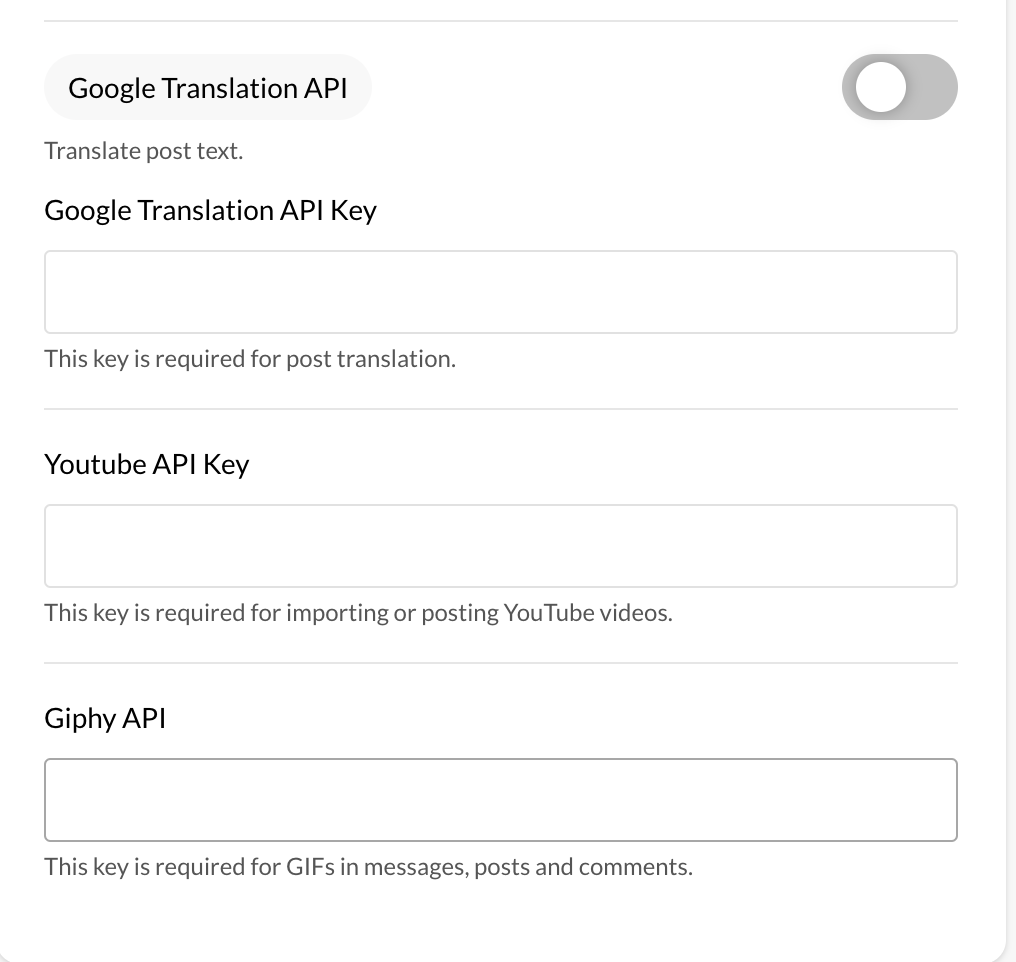
Further you can create giphy, youtube, google translate keys as well.